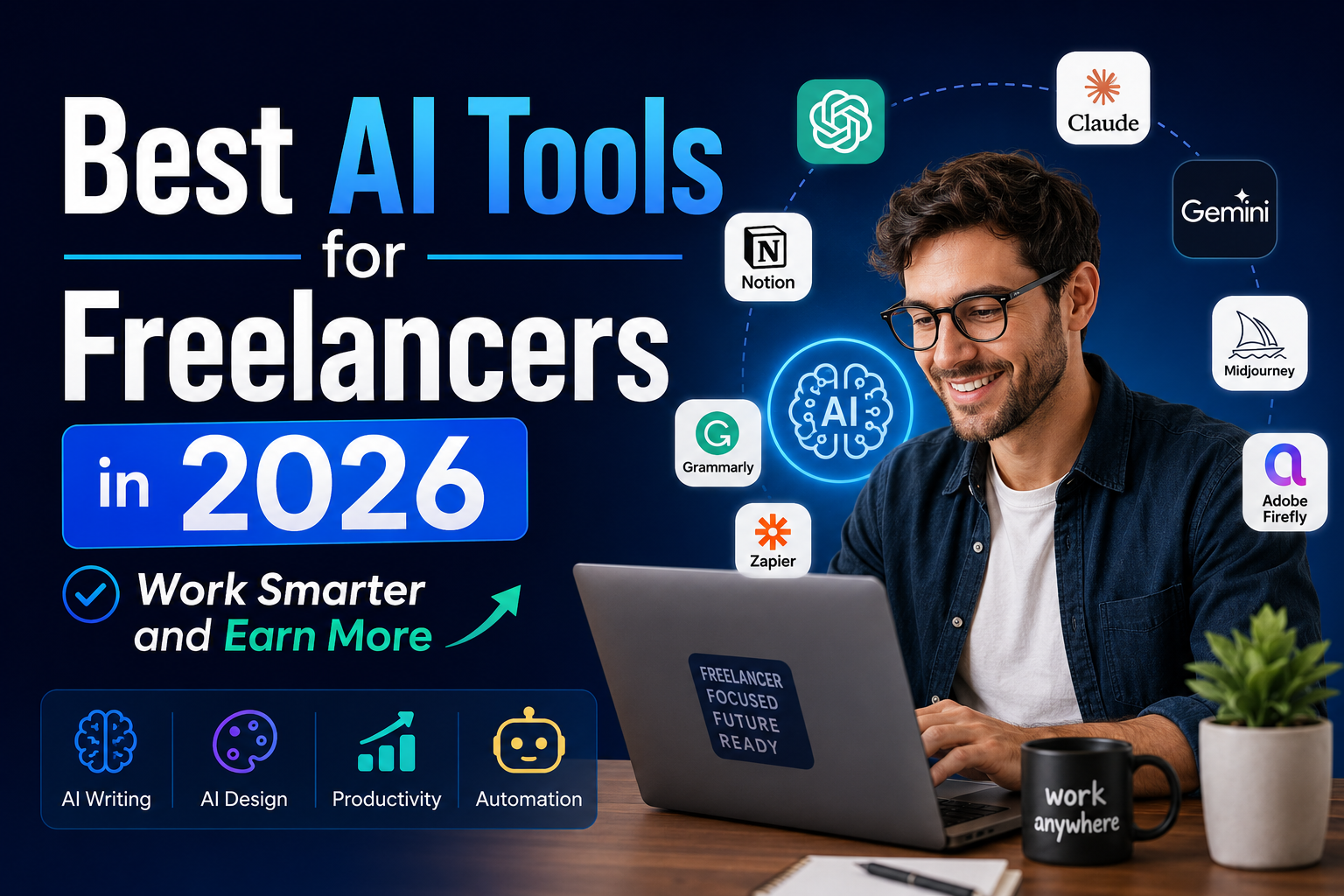
Best AI Tools for Freelancers in 2026: Free, Budget and Time-Saving Picks
The freelancers doing well in 2026 are not always the most talented. They are the ones who use AI to get routine work done faster, so more of their week goes to billable work, finding clients and rest. You do not need a big software budget to do this. Many of the most useful tools have capable free plans, and a well-chosen paid stack can cost less than $50 a month.
This guide brings together everything you need in one place: the best AI tools by category, which ones save the most time, which free plans are good enough for client work, and three ready-made stacks at $0, about $20 and $30 to $50 per month. If you are completely new to AI, start with our beginner’s guide to using AI tools as a freelancer and come back here to choose your tools.
Note: AI tools change their features, model names and pricing often. Prices below are approximate list prices at the time of writing. Check each provider’s website before you subscribe.
Quick Picks: The Best AI Tools for Freelancers by Task
| Task | Best free option | Best paid upgrade |
|---|---|---|
| Writing and editing | ChatGPT, Claude or Gemini free plans | ChatGPT Plus or Claude Pro (around $20/month) |
| Grammar and tone | Grammarly free, LanguageTool | Grammarly Pro |
| Research with sources | Perplexity free, Consensus free | Perplexity Pro |
| Design and images | Canva free, Microsoft Designer, Adobe Firefly free credits | Canva Pro, Midjourney |
| Meeting notes | Otter.ai free plan | Otter.ai Pro, Fireflies.ai |
| Coding | GitHub Copilot Free, Replit free plan | GitHub Copilot Pro, Cursor |
| Projects and notes | Notion free plan | Notion with AI |
| Invoicing and bookkeeping | Wave | FreshBooks, QuickBooks |
Why AI Tools Matter So Much for Freelancers
As a freelancer, time is your stock in trade. Every hour spent formatting documents, writing routine emails, writing up meeting notes or researching an unfamiliar industry is an hour you are not billing or using to grow your business. Unlike an employee, nobody else picks up that admin for you.
AI tools shrink the time these tasks take. A writer can get to a solid first draft much faster, a designer can test several concepts before lunch, and a developer can skip most boilerplate code. The gain is not just speed. It also frees you to take on more clients, or the same clients at better margins, without burning out.
AI Writing and Content Tools
Writing is part of almost every freelance job: proposals, emails, reports, deliverables and your own marketing. That is why a general AI writing assistant is the first tool most freelancers should adopt.
- ChatGPT (OpenAI): the most widely used assistant. Strong for first drafts, brainstorming, outlines, emails, social captions and product descriptions. The free plan is enough for many freelancers. Plus (around $20/month) gives higher usage limits and the more capable models.
- Claude (Anthropic): especially good with long documents, careful editing, research summaries and following detailed instructions. It has a free plan, and Claude Pro costs around $20/month.
- Google Gemini: free with a Google account. It is especially convenient if you already work in Google Docs, Gmail and Drive.
- Jasper and Copy.ai: built for marketing copy, with templates for ads, emails and landing pages. These are useful mainly if marketing copy is your core service. Otherwise, a general assistant covers the same ground.
- Grammarly and LanguageTool: catch grammar mistakes and flag tone and readability problems as you type. They cut down on separate proofreading passes.
- Surfer SEO: for SEO writers. It compares your draft against top-ranking pages and suggests terms and structure.
AI Design and Image Tools
- Canva: the free plan includes many AI features, such as generating designs from a prompt. Canva Pro adds brand kits, premium templates and more AI credits. It is ideal for social graphics, presentations and simple marketing materials.
- Adobe Firefly: Adobe’s image generator, built into Photoshop and Illustrator and available on the web with free monthly credits. Adobe trains it on licensed content and positions it as safe for commercial use.
- Midjourney: a paid tool known for artistic, high-quality images. It is useful for concept art and mood boards before you finish the final design.
- Microsoft Designer: free with a Microsoft account. It creates graphics from text descriptions.
- Remove.bg: removes image backgrounds in seconds. Basic use is free, and high-resolution downloads are paid.
- Gamma: turns a short brief into a full slide deck. The free plan works well for client presentations.
AI Tools for Developers and Technical Freelancers
- GitHub Copilot: suggests code as you type, completes functions and explains unfamiliar code. There is a limited free plan, and Copilot Pro costs about $10/month. In GitHub’s own controlled study, developers using Copilot finished a set coding task about 55% faster.
- Cursor: an AI-first code editor where you describe a change in plain English and review the edits it proposes.
- Replit: a browser-based coding environment with built-in AI help. It is handy for quick prototypes and automations without any local setup.
AI Tools for Clients, Meetings and Projects
- Otter.ai and Fireflies.ai: transcribe calls and generate summaries and action items. Otter’s free plan includes a monthly allowance of transcription minutes, which is enough for many freelancers.
- Notion: a single place for project plans, client notes and templates. Its AI features can summarize notes and draft documents inside your workspace.
- Calendly: clients book open slots directly, so you skip the back-and-forth emails about meeting times.
- Loom: short screen-recorded videos to walk clients through your work, with automatic transcripts. They often replace a long email or an extra call.
AI Tools for Finance and Admin
- Wave: free invoicing and basic accounting, a good choice when you are starting out.
- FreshBooks and QuickBooks: paid accounting tools with automatic expense categorization, time tracking and reports. See our best invoicing apps for freelancers for a fuller comparison.
- Dext: photograph a receipt and it extracts and categorizes the data, then syncs with your accounting software.
- AI-drafted templates: a general assistant can draft contract and invoice templates for different client types. Always have contracts reviewed for your own jurisdiction.
AI Tools for Research
- Perplexity: an AI search engine that answers with links to its sources, so you can check claims quickly. The free plan is enough for most research.
- Consensus: searches and summarizes peer-reviewed research. It is useful if you write about health, science or business topics that need evidence.
Which AI Tools Save Freelancers the Most Time?
The right tools depend on your work, but here are the typical time savings for each task when the tool is used consistently. Treat these as rough guides, not guarantees.
- AI writing assistants (often 1 to 3+ hours a day): the biggest win, because writing is part of nearly everything you do.
- Proposal drafting (1 to 2 hours per proposal): a structured AI-assisted process can turn a two-hour proposal into a 20 to 40 minute task. See how to write freelance proposals with AI.
- Research tools (1 to 3 hours per project): a focused 20-minute research session with sources can replace hours of searching when you start in a new industry.
- Meeting transcription (1 to 2 hours a week): no more manual notes or post-call write-ups.
- Image generation (1 to 4 hours per project): less time spent searching stock libraries for featured images and social graphics.
- Grammar and style checks (30 to 60 minutes per document): cleaner first drafts, so fewer editing passes.
- Invoice and contract templates (30 to 90 minutes per client): reusable templates plus an invoicing app take most of the work out of billing.
- Social media content (1 to 2 hours a week): a week of LinkedIn posts drafted from a short brief about your recent work.
If a freelancer billing $50 an hour gets back even 5 of those hours a week, that is $250 a week of earning capacity, or time for rest and business development.
Are Free AI Tools Good Enough for Client Work?
For many freelancers, yes. The free plans of the major assistants, Canva, Perplexity, Otter.ai and Grammarly cover most everyday tasks. The catch is the limits: message caps, fewer advanced models, watermarks or monthly credits. To get the most from free tools:
- Learn each plan’s limits before you depend on a tool for a client deadline.
- Use several free plans together. Different tools are good at different jobs, so give each task to the tool that handles it best.
- Read the data and usage terms. Do not paste confidential client material into a tool unless the plan’s privacy settings and your client agreement allow it.
Three Budget AI Stacks for Freelancers
The $0 per month stack
- Writing: the ChatGPT, Claude or Gemini free plans. Using two of them lets you compare drafts.
- Research: Perplexity free
- Design: Canva free
- Meetings: Otter.ai free
- Grammar: Grammarly free
- Presentations: Gamma free
- Bookkeeping: Wave
This is enough to test AI in your workflow before you pay for anything.
The roughly $20 per month stack
The single best upgrade is one premium assistant: ChatGPT Plus or Claude Pro, at around $20/month each. Pick based on your main use. Many people prefer Claude for long documents and editing, and ChatGPT for its broad set of built-in features. Keep everything else on free plans.
The $30 to $50 per month stack (by specialty)
- Writers and content creators: a premium assistant plus Grammarly Pro.
- Designers: a premium assistant plus Canva Pro.
- Developers: a premium assistant plus GitHub Copilot Pro.
- General freelancers and consultants: a premium assistant plus Notion’s AI features plus a paid transcription plan.
What to avoid
- Paying full price for two general assistants that do the same job.
- Niche tools that only repackage what your main assistant already does.
- Annual plans before you have used a tool for at least 30 days and confirmed its value.
How to Work Out the ROI of an AI Tool
Before upgrading, divide the monthly cost by the hours it will save you. If a $20/month plan saves you 2 hours a month, it pays off as long as your time is worth more than $10 an hour. If it saves 5 hours, the break-even drops to $4 an hour. For most professional rates, a tool that saves even a couple of hours a month easily pays for itself. Track your hours for a month before and after to check that the savings are real.
How to Add AI to Your Workflow Without Getting Overwhelmed
- List your most time-consuming, repetitive tasks. Email, first drafts, social posts, research and meeting notes are the usual candidates.
- Adopt one tool at a time. Use it consistently for 30 days before adding the next.
- Build a prompt library. Save the prompts that work well so you can reuse them.
- Always review AI output. AI is good at first drafts, but accuracy, tone and client-specific details need your judgment. Never deliver claims you have not checked.
Should You Charge Less If AI Makes You Faster?
Not necessarily. Charge for the value you deliver, not just the hours. If a client values a piece of work at $400, it is worth $400 whether it took you two hours or eight. Faster delivery lets you either keep your rates and improve your margins, or take on more clients. Our complete guide to pricing your freelance services covers value-based pricing in detail.
Frequently Asked Questions
What is the best AI tool for freelancers overall? A general assistant such as ChatGPT or Claude, because writing and thinking tasks run through almost every type of freelance work. Add specialist tools only where your niche needs them.
Can I run a freelance business using only free AI tools? Yes, many freelancers do, especially early on. Upgrade only when you keep hitting a free plan’s limits on work that pays.
Do I need to tell clients I use AI? Follow your contract and any platform rules. Many clients accept AI-assisted work as long as you are open about it and take full responsibility for the quality and originality of what you deliver.
Is it safe to put client information into AI tools? Check each tool’s data settings and your client agreement first. Avoid entering confidential or personal data unless the plan and your contract clearly allow it.
How much should a freelancer spend on AI tools? Most freelancers do well with $0 to $50 a month. Start free, then add one paid tool when its time savings clearly exceed its cost.
Conclusion
In 2026, the question is no longer whether to use AI tools but which ones are worth your time and money. Start with one general assistant, add a research tool and a design or meeting tool that fits your work, and upgrade only when the time savings clearly pay for the cost. Next, read our beginner’s guide to building an AI workflow and our guide to pricing your services so the time you save turns into income.